

Send SMS Notification
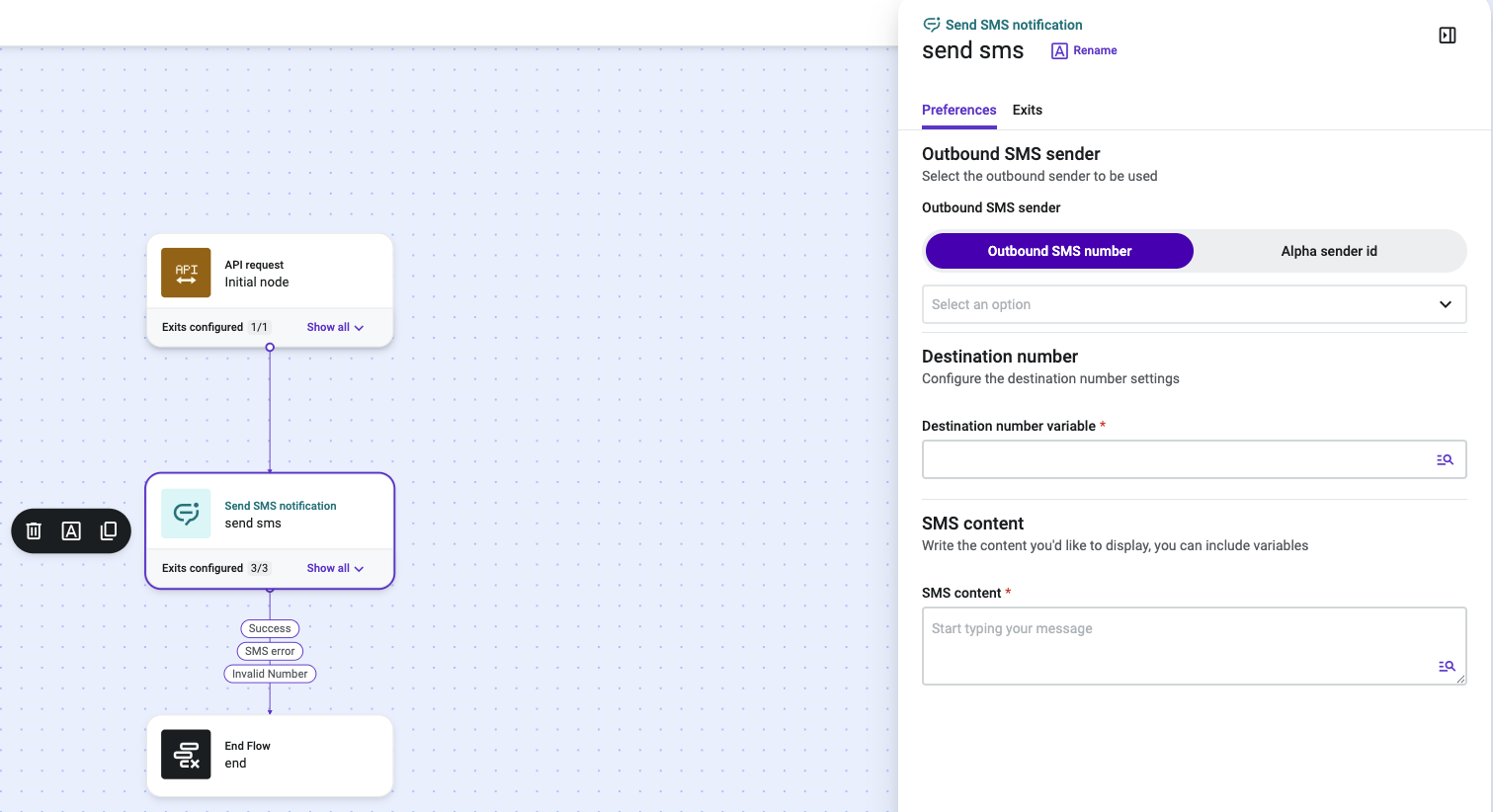
Send SMS Notification is a Talkdesk Studio™ component that sends a one-way outbound SMS message from a flow. It is commonly used to notify a customer that a condition has been met in an external system — for example, an appointment reminder from an Electronic Health Record (EHR), an order update from a commerce platform, or a payment reminder from a billing system — without requiring an active voice or chat interaction.
NoteSend SMS Notification only sends a message; it does not manage a two-way conversation. If you need to receive and route the customer's reply within the same flow, use the Send SMS Notification with Reply component instead.
Availability
Send SMS Notification is generally available to all Talkdesk accounts, across all Talkdesk industry clouds (Retail Experience Cloud™, Financial Services, Healthcare, and others) and all supported regions. The component behavior is identical across verticals.
When to Use Send SMS Notification
Use Send SMS Notification in Studio flows where:
- An external system event (EHR, CRM, e-commerce, billing, etc.) should trigger an outbound SMS notification to a customer.
- The notification does not require a reply from the customer to be processed by the flow.
- The flow is triggered via API, an inbound voice interaction, or an inbound message interaction.
Prerequisites
Before adding Send SMS Notification to a flow:
- Provision at least one SMS-capable outbound number or alpha sender ID for Automated Notifications, and confirm it is available under Admin > Numbers.
- Ensure the flow has an upstream step (typically a Run Function or Set Variable component) that sets a Studio variable containing the destination phone number, if the number is not already available in context.
Updated 4 days ago